

Hello everybody, and welcome back to another edition of Steve’s Simracing Zone!
It’s been a while since I showed off my simrig a couple years ago (which you can read about here: I’ve done a lot of simracing since then and there have been times where I wanted to change things up for one reason or another. So today, I am showing everyone what changes I’ve made, and what further changes I want to make in the mid and long term future.
The Quick List of Changes are:
- 2 fans pointed at me (standalone units)
- Added iFlag Display
- Added a standalone Digital Display Unit (DDU)
- Added a LED Button Box
- Added a steam controller (doubles as a secondary button box)
- Added a phone mount
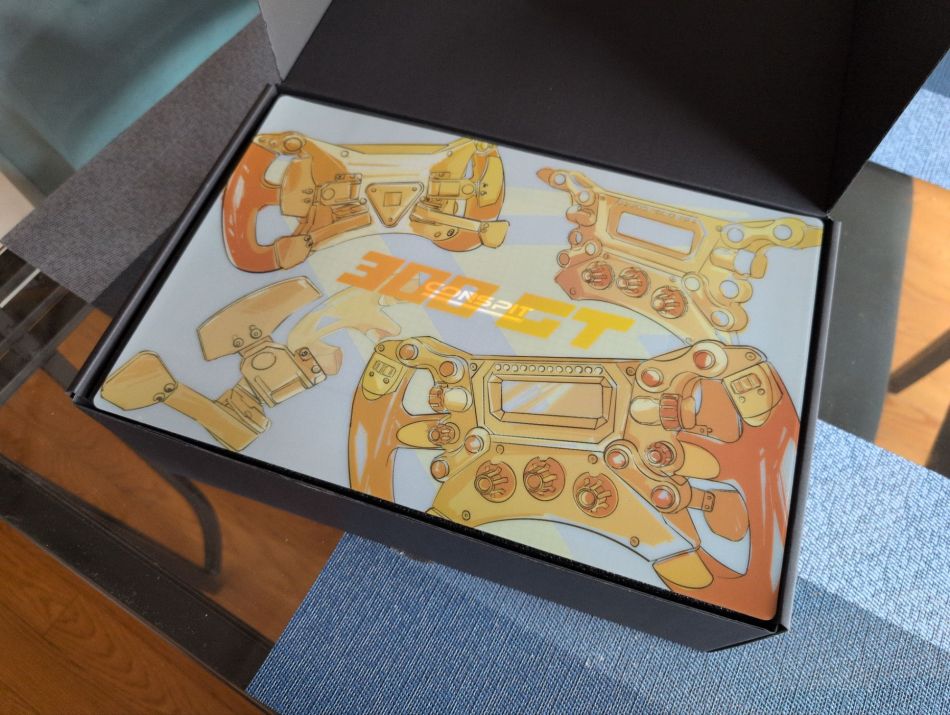
- Added my steering wheel to a Conspit 300GT
First was getting 2 small fans: My rig is located in our basement, practically within arm’s reach of our HVAC unit. I’ve found in the colder months when the furnace kicks in, it gets really hot. I wanted to have fans pointed at me, but a large desk mounted fan would be space inefficient and likely would have monitors and rig-related things in the way. I originally considered using extra PC case fans that I didn’t use from my previous PC build but found I needed a whole computer controlled unit to make it work.
Instead, I found some standalone muffin fans and bought some mounts/shrouds that attach them direct to my chassis. This was perfect, since I can point them exactly where I want and have maximum cooling effect. I didn’t care about having them computer controlled based on how fast the car in-game was going. This was because I mostly drive closed cockpit cars that have their own AC units inside, so it was a moot point from an immersion perspective. As far as placement, I have one pointed at my torso and the other pointed to my face.
The next item was purely visual/immersion related as to why I got it, and that was an iFlag matrix display running off of Simhub. This shows track flags, works as a spotter and shows when I’m on the pit lane speed limiter. I’ve found using this, that yellow flags come up often when iRacing doesn’t display one. This has actually ended up being a very critical upgrade, although not intentionally. This has saved me from going into blind corners completely unaware of track obstacles.
I also bought a mount for a phone holder, so I could have my phone open to stream chat if I’m streaming. I might change this to be a tablet holder later on, but we’ll see.
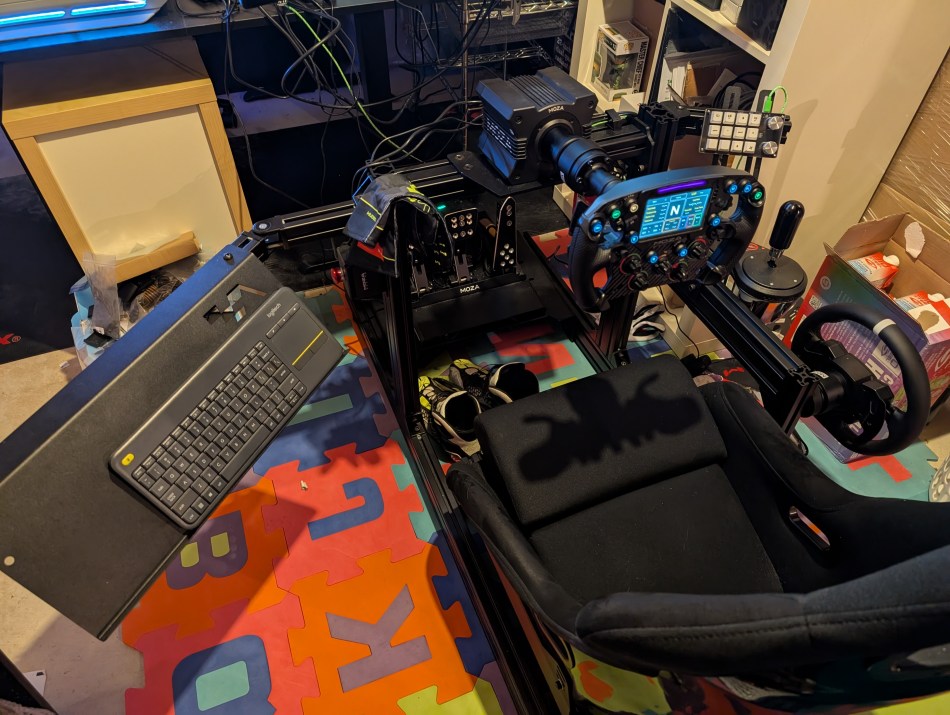
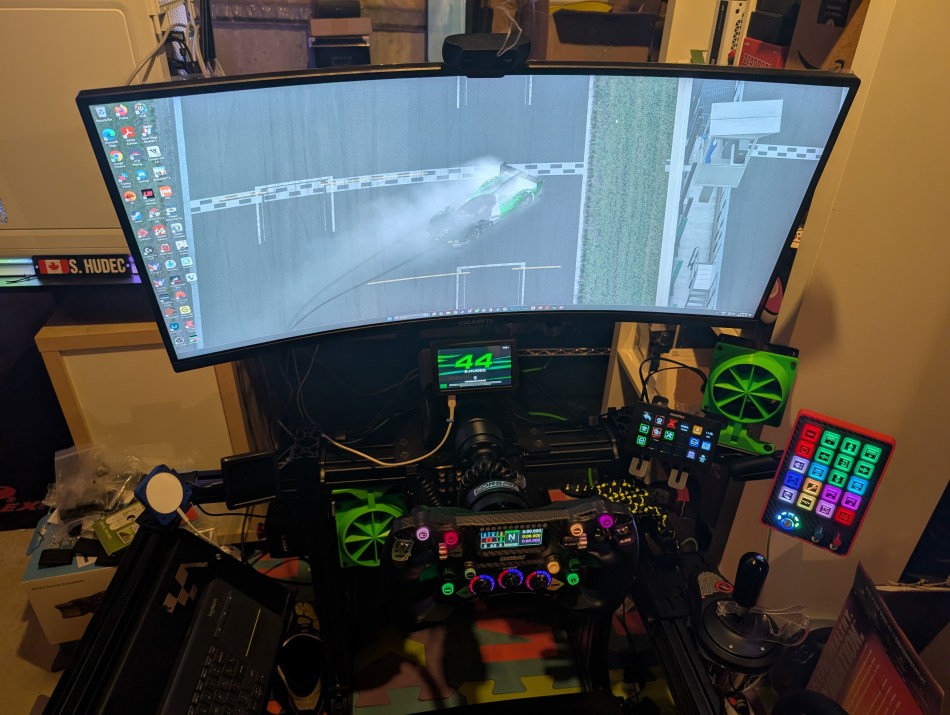
On to the next upgrades. I previously had a little keypad as a temporary button box, but I wanted to add one that looked more proper and had added functionality. I had thought of making my own, but for the price and hassle it still would have been worth it….until I found a button box on AliExpress. It’s 3D printed (including the buttons), so it does feel cheap. However, it critically still makes the rig look even better and performs as I expected it to, which is most important. In conjunction with my final upgrade I made, I don’t need to rely on a button box for certain in-car adjustments, I can dedicate it to being for other things that will help me through a race. This also runs off of Simhub so it also doubles as a matrix display, similar to the iFlag display.
I also bought a cheap stream controller, which I’m still playing around with for now, but it has potential to be quite a useful tool. So far I have it setup for pit stop options and quick chats etc., as well as actual stream controller functions for when I stream. Since it’s an colour display, this also looks really nice alongside the other button box.
On to the final upgrade, which took a lot of thought and research and one that has made the largest difference for me.
Although I consider this more to be a side-grade, it has ended up being the most important upgrade I’ve made yet. I wasn’t satisfied with the Moza FSR (gen1) wheel’s dash screen templates; some things didn’t work and didn’t have everything I wanted to see. This was most apparent when I was running in the IndyCar league on XMS. I decided that going to a GT style wheel that didn’t have a dash on it, and then getting a standalone dash was the best move. Likely I could sell my FSR wheel for at or more than buying a new wheel and dash combo.
I bought the DDU (dash display unit) first, and found one that mounts to my wheel base directly (not my chassis). I made sure I got one that was Simhub compatible so I can load up a few dashboards for each car type that I drive.
Next was the wheel its self. I had considered getting a Moza KS wheel to stay in the Moza ecosystem but then I was made aware of the Conspit 300GT wheel. This was a hair more expensive than the KS wheel, but was Simhub compatible for the lights, and critically, has a multi-function encoder. Depending on what position that one is in, it will remap the inner two thumb encoders. This is huge, because one of my reasons for wanting an upgraded button box, was to be able to map more in-car settings in anticipation for the GTP Hybrid update on iRacing. Turns out I didn’t need it for the new hybrid update because of how they locked the controls but at least I can do it in Le Mans Ultimate now.
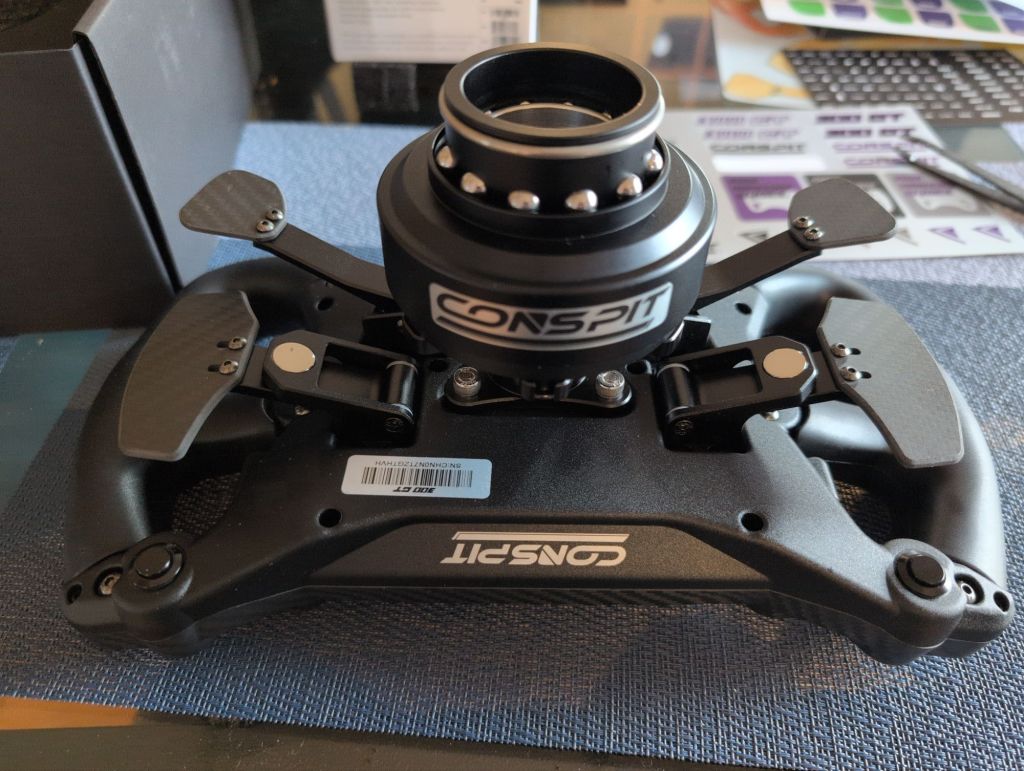
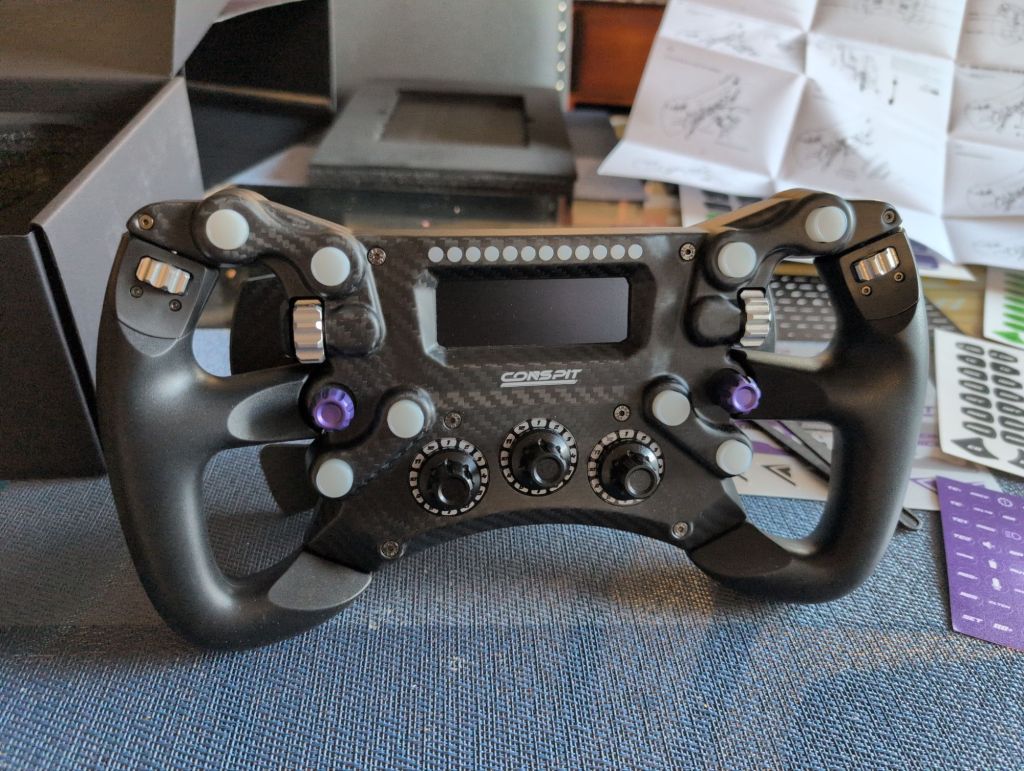
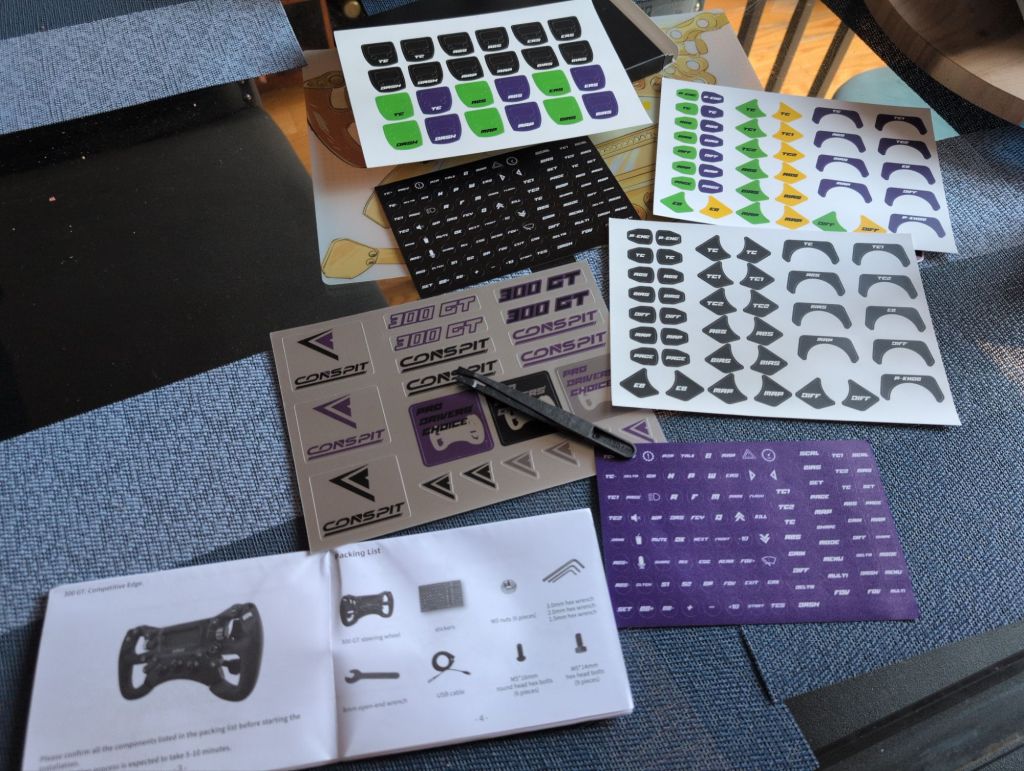
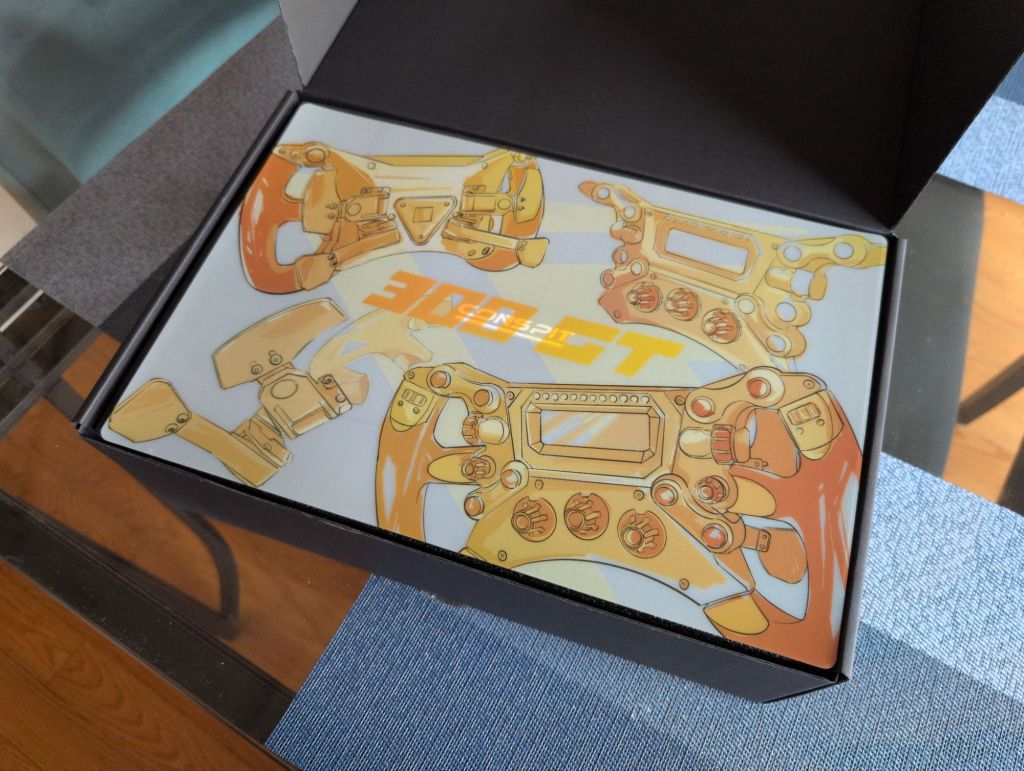
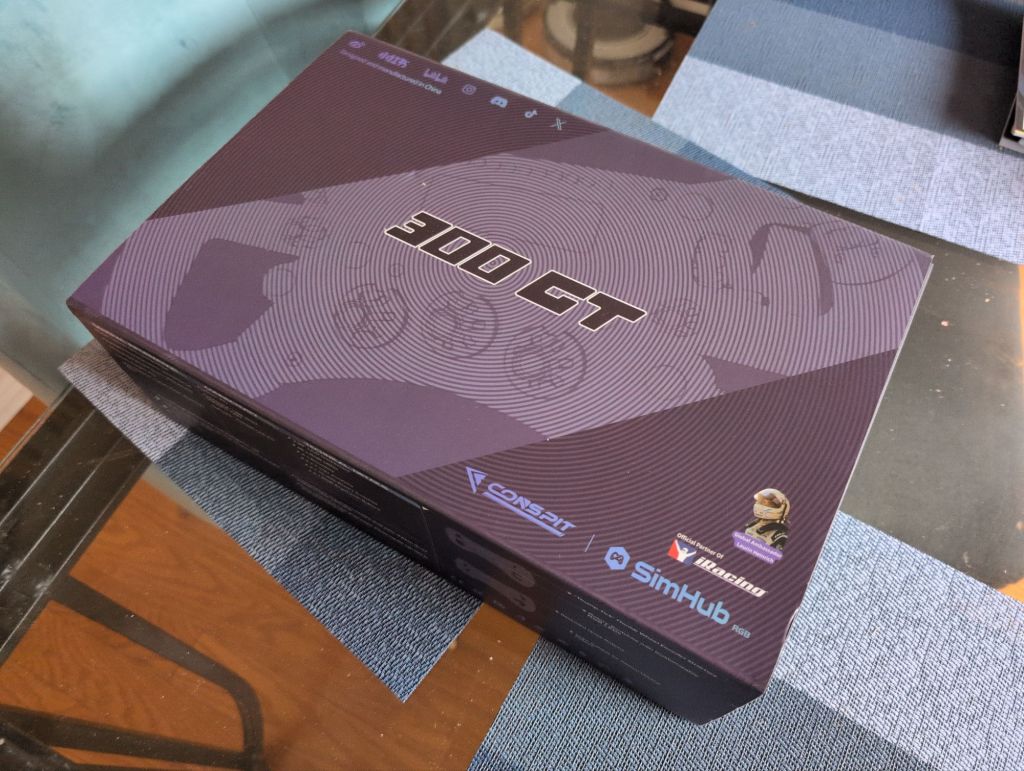
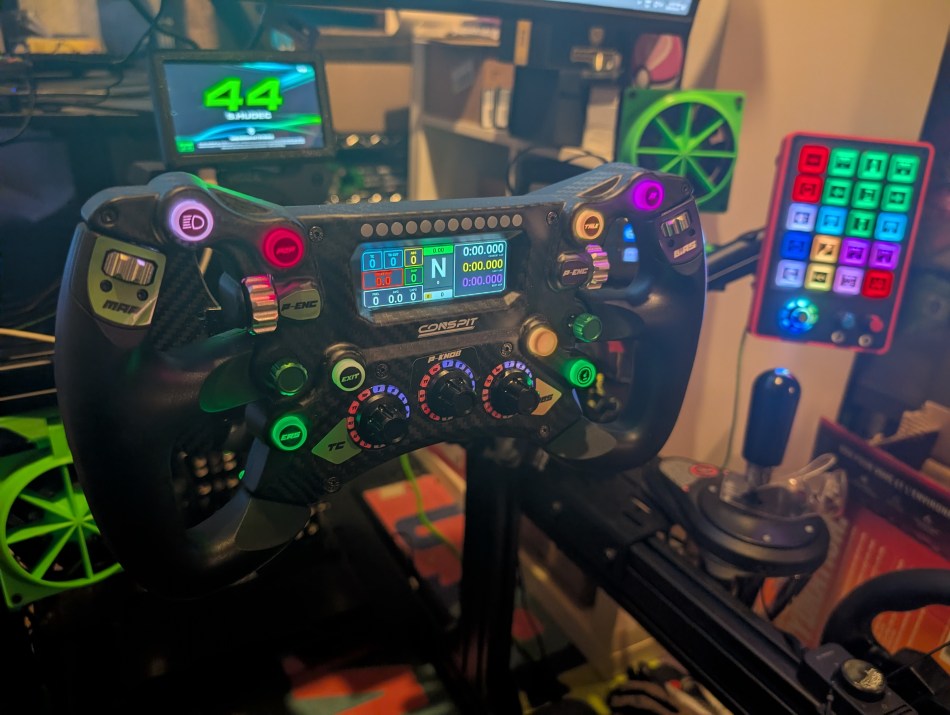
After watching multiple reviews I decided this was the wheel to buy, and so I did. I had to buy an NRG adapter (literally the day I got my wheel, Conspit came out with their own) via Moza, but otherwise had everything needed to connect to my PC. After getting everything set up, stickers placed, buttons remapped – I let loose for a hefty shake down around the 2025 6hr of Indy special event with my new Simracing team I joined this summer.
This wheel is really light and comfortable and great quality for the price. The LED buttons have a bit of play on them, but otherwise is a sturdy build. Grips are comfortable to hold and the encoders have enough heft to them that you can’t make an accidental adjustment. After buying the wheel, I purchased some custom encoder and funky switch knobs to give it more pizazz over the base knobs. Also I didn’t really like the aesthetic of the purple funky switches either.
Overall I’m very happy with the wheel. I will be selling the FSR wheel in due time.
Now that I’ve detailed the upgrades that I have made, time to talk about future upgrades.
Another upgrade I have been eyeing on getting is a haptic system of some kind. This is to add to the immersion but it’s not going to change my lap times in any way. Something like a butt kicker or something equivalent. There are also seat belt tensioners that are a new haptic system but right now they are insanely expensive for me, so it’s not something I’m looking to get in the near future.
Next up is an expensive upgrade, but one that will improve my driving I think, and that is an active pedal. More than likely it’ll be the Moza mBooster pedal unless some other brand comes out with one for a lesser price. On the plus side, I don’t need to upgrade to the Moza crp2 pedals to do so. This will help me save some cash if I go that route. The Simucube active pedals are waaaay expensive and out of my budget. As a stop gap measure, I may buy a haptic motor that attaches to my current CRP brake pedal, but the active pedal market seems to be coming alive, so there will likely be more options available soon.
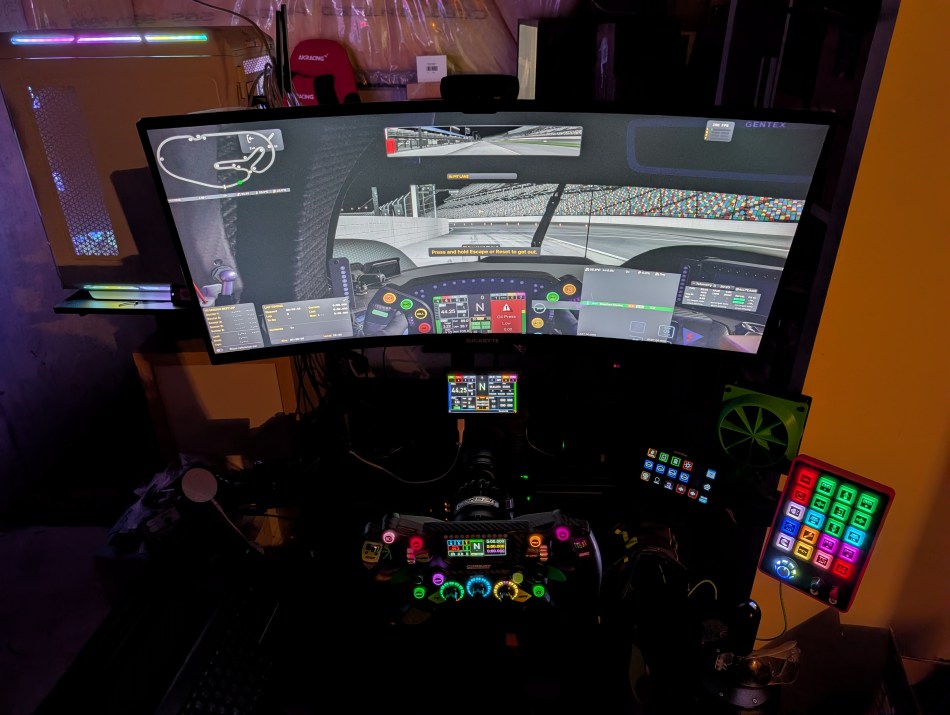
Finally, down the road, I want to eventually upgrade to a triple monitor setup. However, I need to have more physical space for that. It is also the most expensive upgrade, so that one will end up being a goal for later.
Thank you so much for taking time out of your day to read this. If you enjoyed this, please consider liking, leaving a comment on this post, and sharing through your socials! If you are a WordPress user, please also consider subscribing (it’s completely free) to get the latest blog posts right as they come out!
 Steve's Motorsport Blog
0 comments on “SSZ: My SimRig Update (2026)”